Markdown for your Mac.
And your browser.
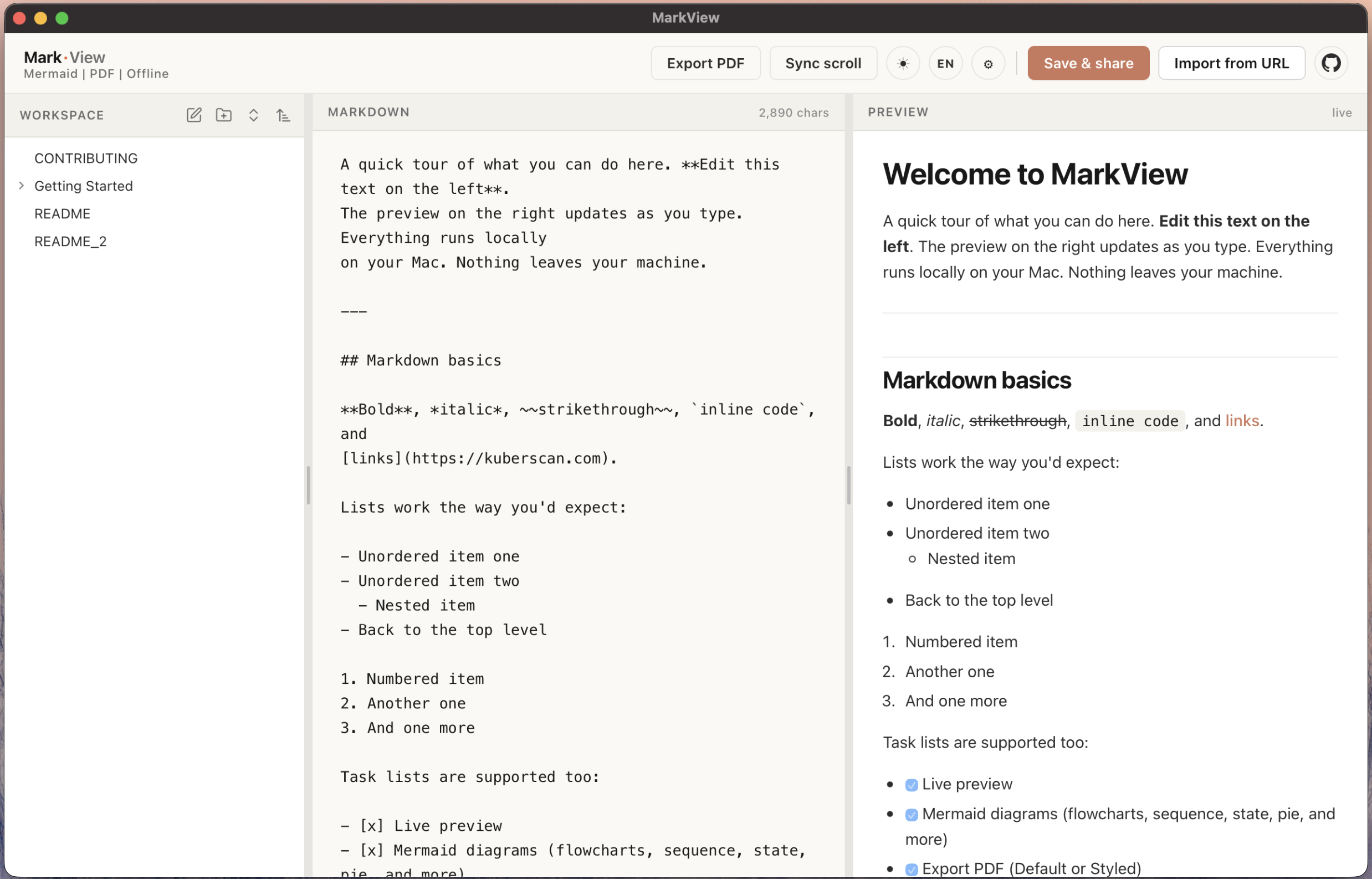
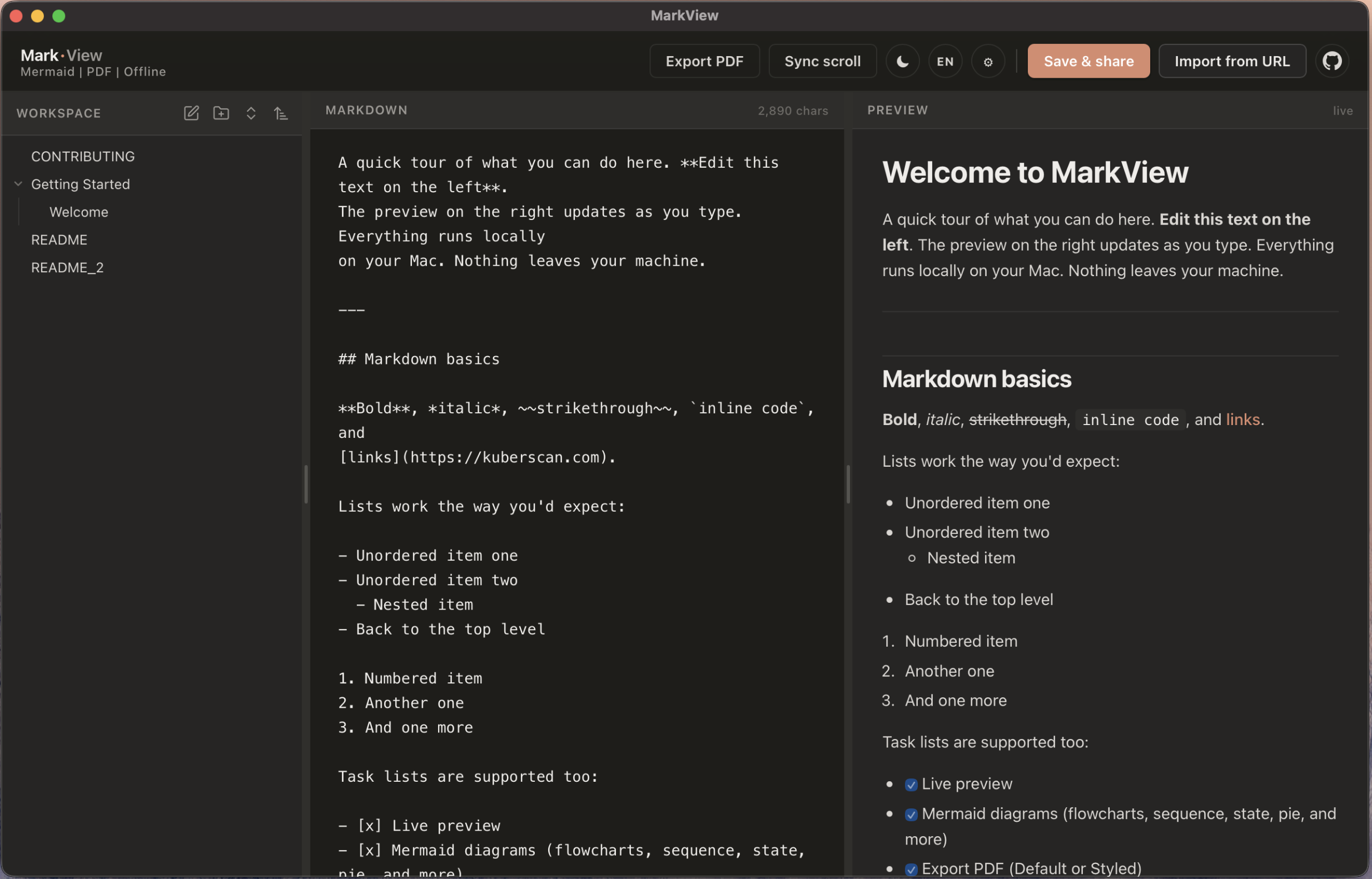
A fast editor with live preview and mermaid diagrams. Keep notes as real files synced through iCloud, switch between as many workspaces as you like, or open a GitHub repo and edit its markdown right from the app.
What's new
Everything you need to write, organise, and share markdown without leaving your machine.
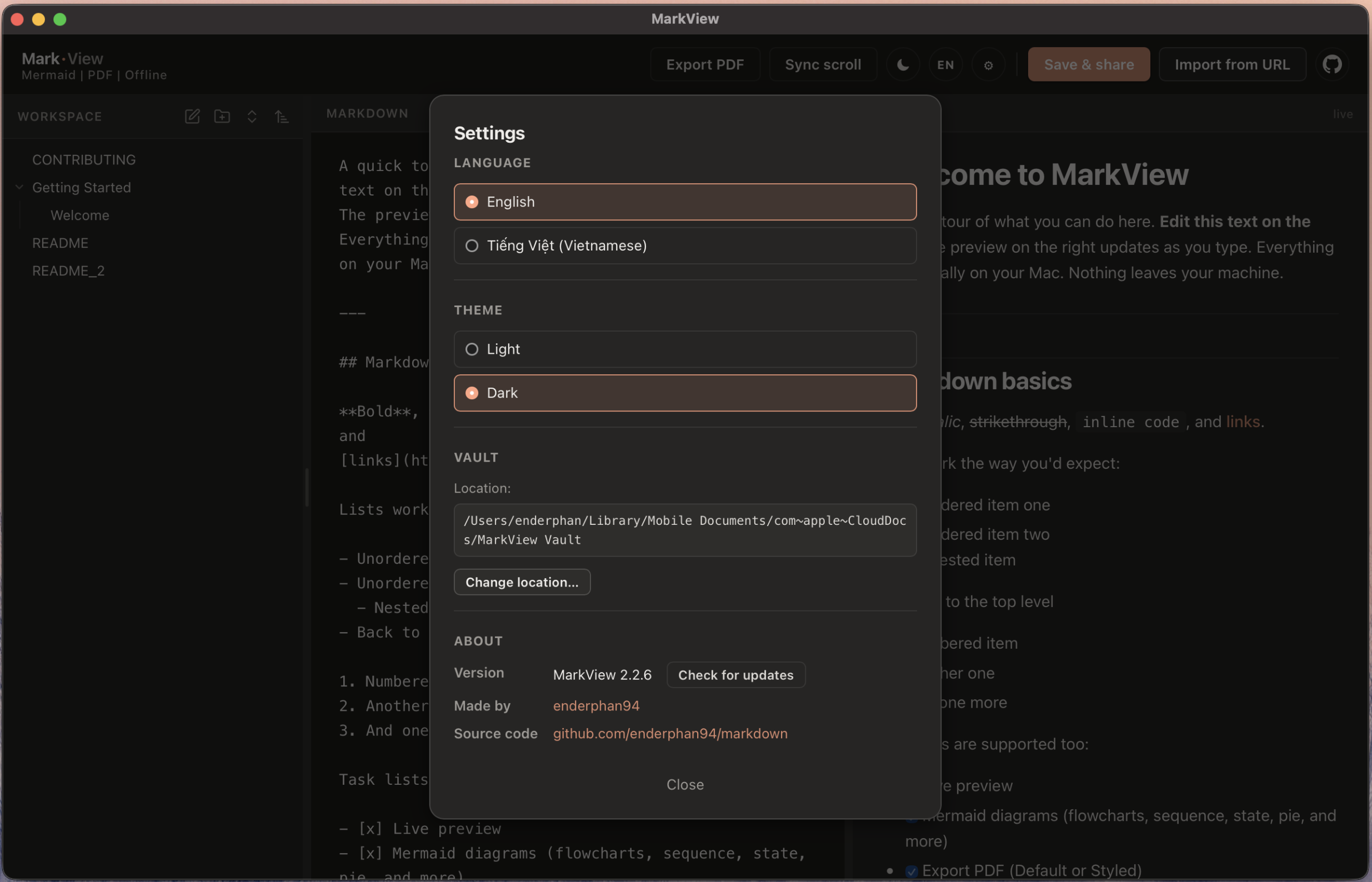
Multiple workspaces New
Keep separate vaults for work, personal notes, and side projects. Register as many as you like and switch between them from the dropdown in the sidebar header. Removing a workspace from the list never touches the files on disk.
Edit GitHub repos directly New
Open one of your GitHub repositories as a workspace and edit its markdown like a local note. Changes save instantly on disk and push to GitHub when you hit Cmd+S. Sign in once with a device code. Your token lives in the macOS Keychain, never in a file. Share any note as a GitHub permalink straight from the right-click menu.
Vault on disk
Folders are real directories. Notes are real .md files. Pick a vault on first launch (iCloud Drive by default) so your notes sync across every Mac you own and stay open in Obsidian, VS Code, vim, or anything else that reads markdown.
Save and share
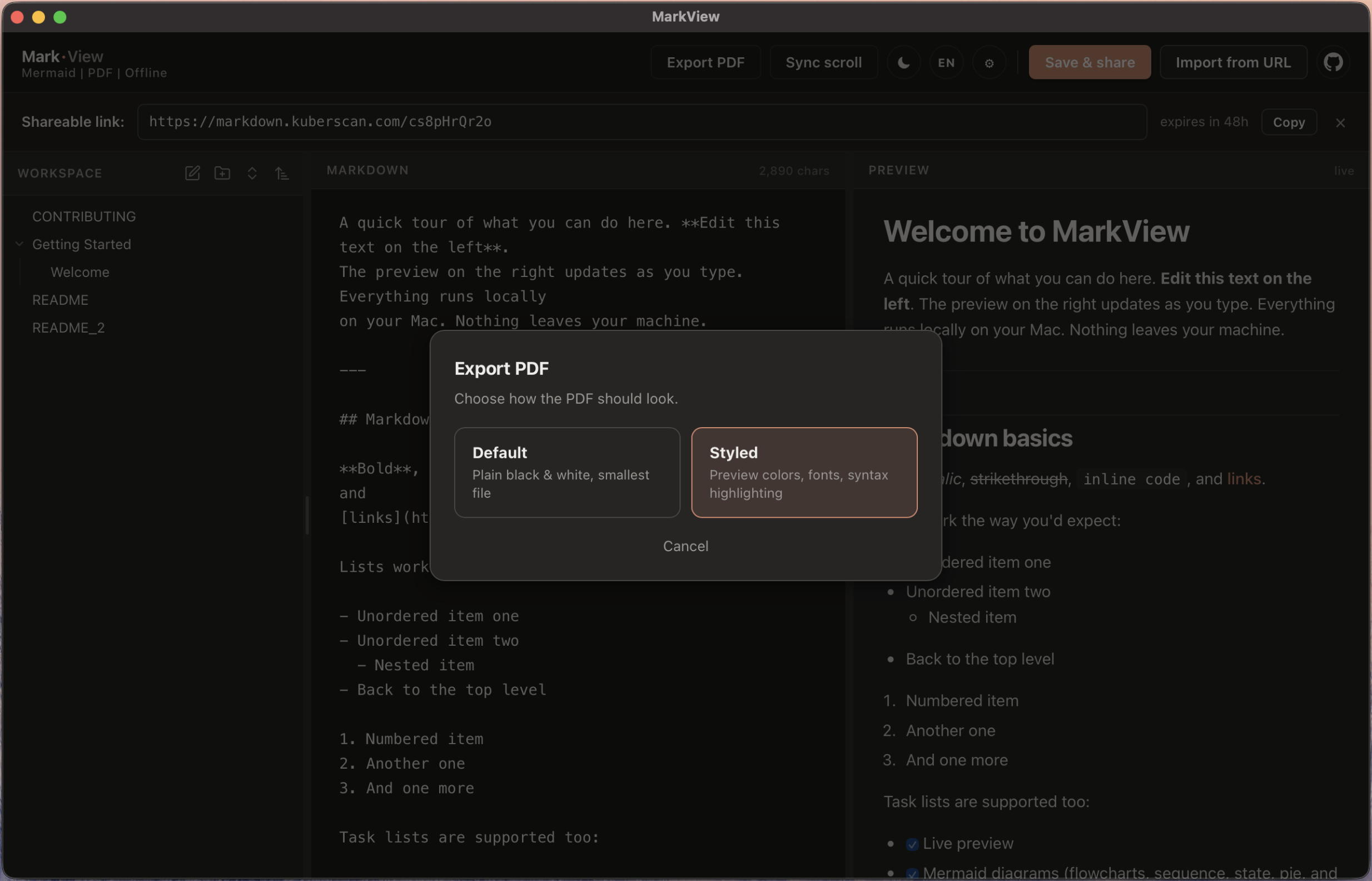
One click posts the current note to markdown.kuberscan.com and gives you a shareable link that lasts 48 hours. Send it to anyone, no account needed on either side. In a GitHub workspace you can instead copy a GitHub permalink to the exact file.
Import from anywhere
Paste a kuberscan share URL or a public GitHub blob, raw, edit, blame, history, or commits URL. MarkView fetches the markdown and drops it into your workspace as a new note.
Export to PDF
Two modes. Default is pure black and white, smallest file size, mermaid forced to grayscale. Styled keeps every preview colour, syntax highlighting and all. Tall diagrams auto-fit a single page.
One-click updates
MarkView checks GitHub on launch. A new release pops a small modal, you click Update Now, and the app swaps itself in place. No reinstall, no Gatekeeper reprompt, no manual download.
Mermaid, offline
Mermaid v11 ships inside the app. Flowcharts, sequence, state, pie, gantt, mindmap, ER, journey, git graph. Nothing is fetched at render time.
Visit more at
MarkView is one of a few small tools we run. Notes, research, and other projects live on the parent site.
kuberscan.com